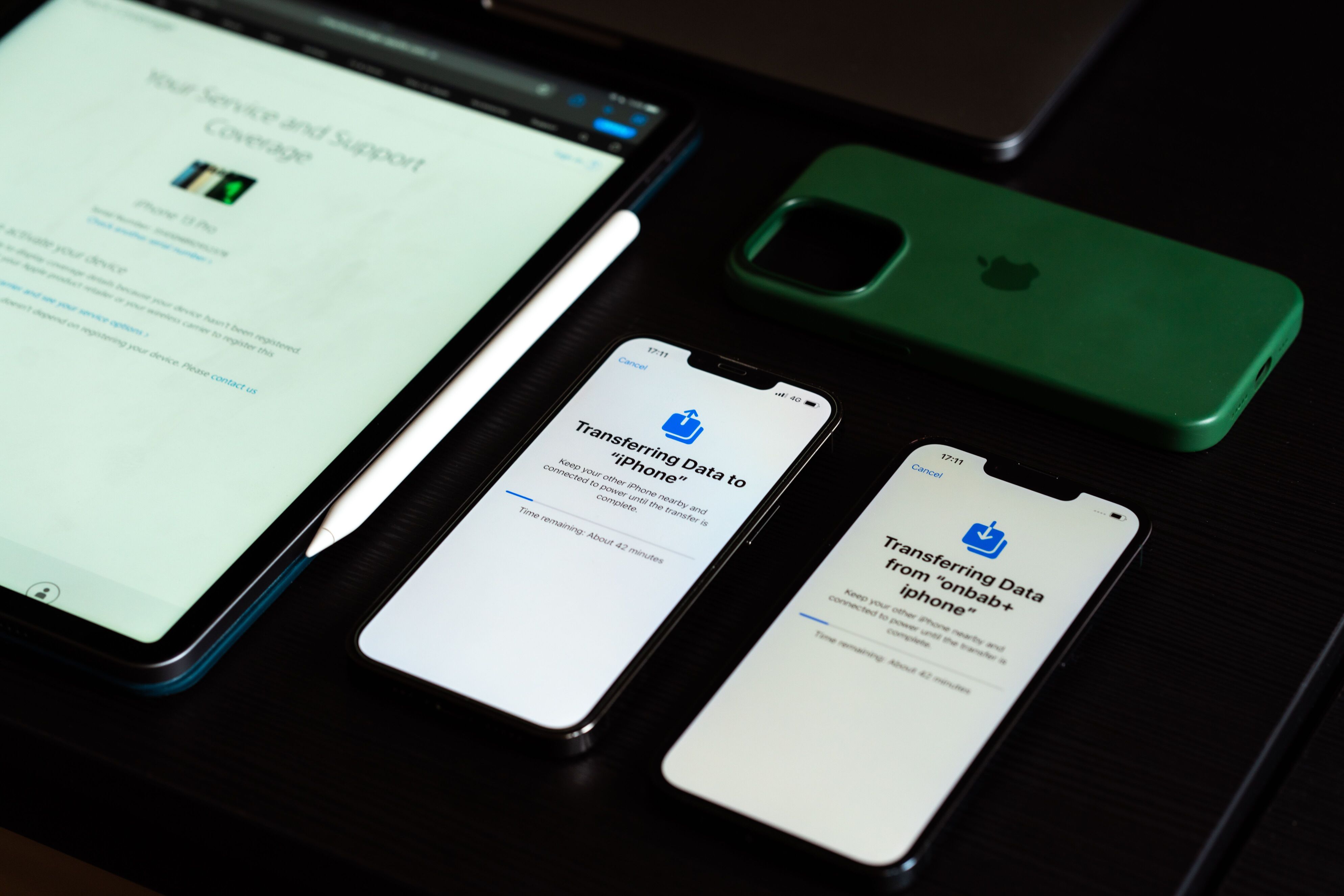
Chances are, your employees are already using their personal smartphones, laptops, or tablets throughout the workday. They check emails on their phones, join video meetings from home, or update documents while traveling. This approach is known as Bring Your Own Device (BYOD).
For many businesses, this has become the new normal. Instead of issuing company-owned hardware to every employee, organizations allow staff to use their personal devices to access work apps, files, and other business resources. The result is greater flexibility, but also new security challenges that businesses need to address.
In this guide, we’ll explain what BYOD is, how it works, its advantages and disadvantages, and the best practices for implementing a secure BYOD program.
What Is BYOD?
Bring Your Own Device (BYOD) is a workplace policy that allows employees to use their own smartphones, tablets, laptops, or other personal devices for work. Instead of providing every employee with company-owned hardware, businesses give staff secure access to company resources using devices they already own and are comfortable using.
For employees, that often means carrying one device instead of two. For businesses, it can reduce hardware costs and make it easier to support remote and hybrid work. To keep company data secure, many organizations combine BYOD with tools such as Mobile Device Management (MDM), Unified Endpoint Management (UEM), or Mobile Application Management (MAM). Even the National Institute of Standards and Technology (NIST) recommends using centralized management and security controls to help protect enterprise mobile devices and the data they access.
How Does BYOD Work?
Allowing personal devices to access company data might sound risky, but a well-designed BYOD program includes safeguards that help protect both the organization and the employee.
While implementation varies between organizations, a typical BYOD process looks like this:
- Employees register their personal devices with the company’s IT department.
- IT verifies that the device meets security requirements, such as operating system version and encryption status.
- Required business applications, email accounts, and network settings are installed.
- Security policies, including passcodes, multifactor authentication (MFA), and data encryption, are applied.
- Corporate data remains protected through secure access controls and, where supported, separation between work and personal data.
Many organizations also use MDM solutions to remotely manage work-related settings and remove corporate data if an employee leaves the company or loses their device.
Why Businesses Choose BYOD
BYOD has become increasingly popular because it offers practical benefits for both employers and employees.
Lower Hardware Costs
Buying laptops and smartphones for every employee isn’t always practical, especially for growing businesses. BYOD helps reduce those expenses by allowing employees to use compatible devices they already own.
Improved Employee Productivity
Most people are already comfortable using their own devices. That familiarity means less time learning new hardware and more time getting work done.
Greater Workplace Flexibility
BYOD supports remote, hybrid, and mobile work environments by enabling employees to securely access company resources wherever they are.
Faster Employee Onboarding
New hires can often begin working sooner because they already own compatible devices. IT simply configures secure access instead of preparing and shipping new hardware.
Better Employee Satisfaction
Few people enjoy carrying separate phones for work and personal use. BYOD lets employees work from a single familiar device while providing a way to protect company information.
The Advantages and Disadvantages of BYOD
BYOD offers clear advantages, but it also introduces responsibilities for both employers and employees. Understanding both sides can help you decide whether it’s the right fit for your organization.
Advantages of BYOD
Reduced IT Costs
Organizations spend less on purchasing, replacing, and maintaining employee devices.
Higher Productivity
Employees can work from devices they already know and trust. This reduces downtime and improves efficiency.
Increased Mobility
Teams can securely access company resources whether they’re working remotely, traveling, or visiting clients.
Greater Business Agility
Businesses can quickly onboard contractors, temporary workers, and remote employees. No need to wait for company-issued hardware.
Improved Employee Experience
Giving employees the freedom to choose their own devices often leads to higher satisfaction and greater flexibility.
Disadvantages of BYOD
Security Risks
Personal devices may lack the same security standards as company-owned hardware. There’s an increased risk of unauthorized access or data breaches.
Privacy Concerns
Employees may worry that company management software can monitor their personal activities, while employers must carefully respect user privacy.
Compliance Challenges
Organizations operating in regulated industries must ensure personal devices meet strict security and data protection requirements.
Device Diversity
Supporting different manufacturers, operating systems, and software versions can increase the complexity of IT support.
Potential Data Loss
Without proper security controls, corporate information may remain on personal devices after employees leave the organization.
Common BYOD Security Risks
The biggest concern with BYOD isn’t employees using personal devices—it’s making sure those devices don’t become a gateway to sensitive company data. Some of the most common risks include:
Lost or Stolen Devices
A misplaced smartphone or laptop can expose sensitive business information if the device isn’t protected with encryption and strong authentication.
Weak Passwords
Simple passwords make it easier for unauthorized users to access company accounts and confidential data.
Unsecured Public Wi-Fi
Employees working from airports, hotels, or coffee shops may unknowingly connect to insecure networks that expose company traffic.
Outdated Software
Devices running older operating systems may contain vulnerabilities that cybercriminals can exploit.
Malware and Phishing Attacks
Personal devices are often used for both work and leisure, increasing the likelihood of downloading malicious applications or falling victim to phishing scams.
BYOD Best Practices
The good news is that most BYOD security risks can be reduced with a few well-planned policies and the right management tools:
Develop a Clear BYOD Policy
Establish written guidelines explaining which devices are allowed, what security requirements employees must follow, and how company data will be protected.
Require Strong Authentication
Enforce strong passwords and multifactor authentication (MFA) to reduce the risk of unauthorized access.
Use Mobile Device Management (MDM)
An MDM solution enables IT administrators to configure devices, enforce security policies, deploy applications, and remotely remove corporate data when necessary.
Keep Devices Updated
Require employees to install operating system and security updates promptly to protect against newly discovered vulnerabilities.
Encrypt Sensitive Data
Device encryption helps protect company information if a device is lost, stolen, or accessed without authorization.
Educate Employees
Regular cybersecurity awareness training helps employees recognize phishing attempts, avoid risky behavior, and follow company security policies.
Which Industries Benefit Most from BYOD?
BYOD is widely used across many industries where mobility and flexibility are essential.
Healthcare
Healthcare professionals often rely on their own mobile devices to access schedules, clinical applications, and patient information. BYOD helps support that flexibility while maintaining security requirements.
Education
Teachers frequently use personal laptops and tablets to prepare lessons, communicate with students, and access learning platforms both in and out of the classroom.
Sales
Sales representatives rely on their personal mobile devices to communicate with clients, access customer relationship management (CRM) platforms, and work while traveling.
Field Services
Technicians and service personnel use smartphones and tablets to receive assignments, complete inspections, and update work orders on-site.
Corporate Enterprises
Businesses across industries use BYOD to support hybrid work environments while reducing equipment costs and improving employee flexibility.
So, Is BYOD Right for Your Business?
So, what is BYOD? At its core, it’s a simple idea: letting employees use their own devices for work instead of relying entirely on company-issued hardware. When supported by responsible policies and security tools, BYOD can reduce costs, improve flexibility, and help employees stay productive wherever they work.
Like any workplace strategy, success depends on planning. By combining a well-defined BYOD policy with technologies such as MDM, strong authentication, and employee security training, businesses can enjoy the benefits of BYOD while keeping sensitive company data protected.