If you’ve been researching device management software, you’ve probably seen the terms MDM, EMM, and UEM used almost interchangeably. That can make it difficult to know which solution your business actually needs.
The good news is that these aren’t competing technologies. They’re different stages in the evolution of device management, with each building on the capabilities of the last.
This guide breaks down MDM vs EMM and MDM vs UEM so you can understand the differences and choose the right approach for your business.
Why Are There Three Different Terms?
Instead of treating it as MDM vs EMM or MDM vs UEM as if they’re all competing technologies, think of them as milestones rather than competitors.
When businesses first started issuing smartphones to employees, they mainly needed a way to secure and configure mobile devices. As mobile work became more common, organizations also needed to manage business apps, company data, and personal devices used for work. Businesses today manage not just phones, but also a wide range of devices from a single platform.
This gradual evolution explains why MDM, EMM, and UEM are often considered different types of mobile device management, with each generation expanding on the capabilities of the previous one.
MDM vs EMM: What’s the Difference?
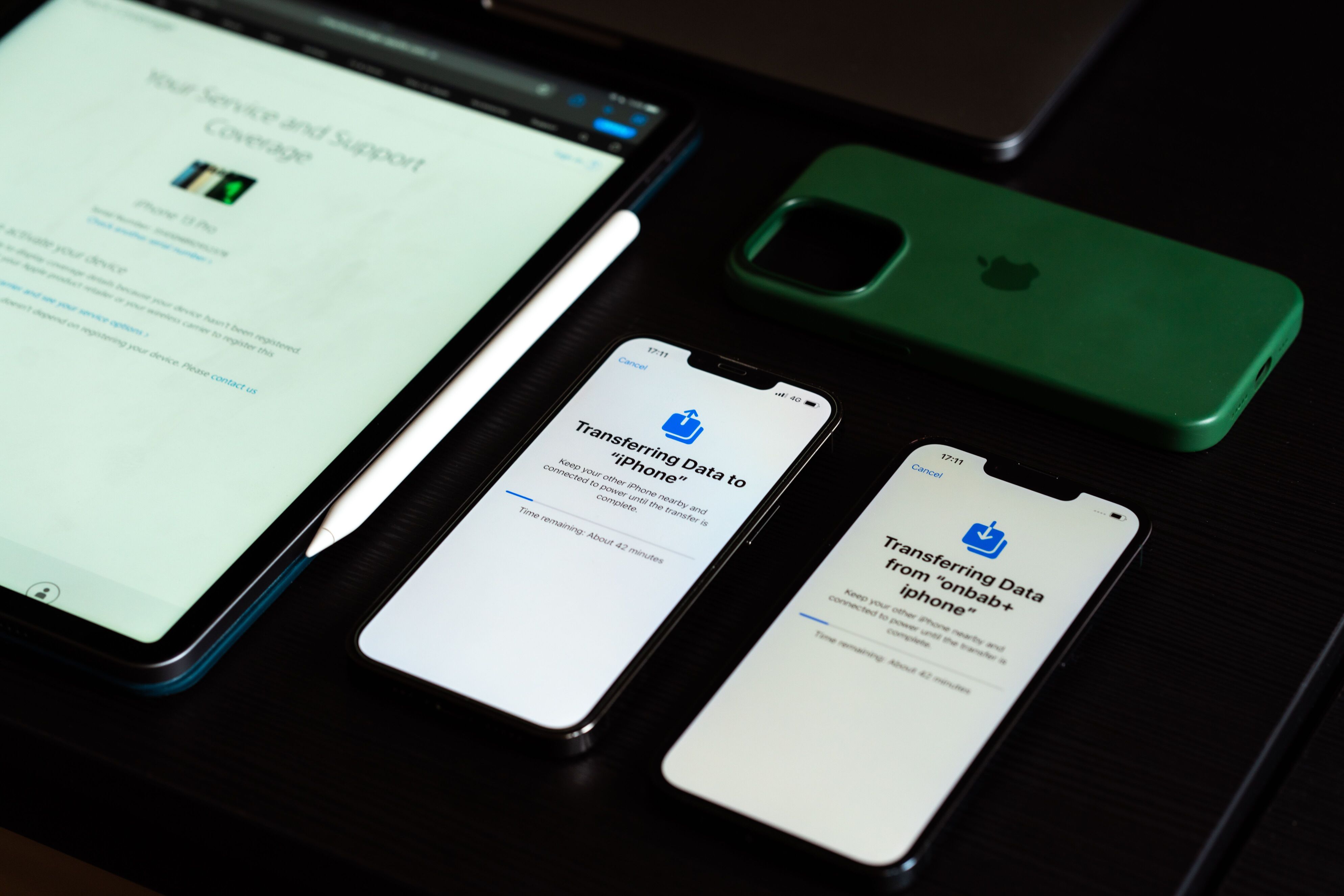
When smartphones first entered the workplace, businesses mainly needed a way to configure devices and keep them secure. That was the role of Mobile Device Management (MDM). As employees began using personal phones for work and relying on business apps outside the office, organizations needed more than basic device management. That’s where Enterprise Mobility Management (EMM) came in.
Mobile Device Management (MDM) focuses on managing and securing mobile devices such as smartphones and tablets. Administrators can enroll devices, apply security policies, deploy apps, and remotely lock or wipe devices when necessary.
Enterprise Mobility Management (EMM) expands on those capabilities. In addition to managing devices, EMM helps organizations secure business applications, protect corporate data, and support Bring Your Own Device (BYOD) programs. This allows employees to use personal devices for work while keeping business information separate from personal data.
Understanding the difference between EMM and MDM:
- MDM manages the device.
- EMM manages both the device and the work environment on that device.
MDM vs UEM: How Do They Compare?
Smartphones are no longer the only business devices that need managing. Today’s employees also use laptops, desktops, tablets, kiosks, rugged handhelds, and even digital signage. Managing each type with a separate tool quickly becomes inefficient.
That’s why Unified Endpoint Management (UEM) was developed.
UEM platforms typically manage:
- Smartphones
- Tablets
- Windows PCs
- Macs
- Chromebooks
- Purpose-built devices like kiosks and barcode scanners
Instead of using separate management tools for mobile devices and computers, IT teams can manage everything from one centralized dashboard.
Understanding the Difference Between UEM and MDM:
- MDM manages mobile devices.
- UEM manages nearly every business device.
Which Solution Is Right for Your Business?
There isn’t a single “best” option. The right choice depends on the devices your organization uses and how your employees work. The best choice depends on your organization’s needs rather than the latest technology.
If your business mainly manages company smartphones or tablets, a traditional MDM solution may provide everything you need.
If employees regularly use personal devices for work or you need stronger controls over business applications and data, EMM offers additional capabilities.
However, organizations managing a mix of mobile devices, laptops, desktops, and specialized hardware often benefit most from a UEM platform that brings everything together under one system.
Why the Lines Between MDM, EMM, and UEM Are Blurring
Today, many vendors use the term MDM even when their products include EMM and UEM capabilities. That’s why it’s often more useful to compare features than product labels.
Many platforms described as “MDM solutions” now include EMM features such as application management and BYOD support. Likewise, most UEM platforms already include traditional MDM capabilities as part of their feature set.
As a result, businesses are increasingly evaluating platforms based on the devices they support and the features they offer rather than the label used to describe them.
Understanding MDM, EMM, and UEM
MDM, EMM, and UEM aren’t competing technologies; they’re milestones in the evolution of endpoint management.
Understanding MDM vs EMM and MDM vs UEM doesn’t have to be complicated. The three terms simply reflect how device management has evolved over time. If you only manage mobile devices, MDM may be enough. If you need stronger support for BYOD, EMM adds application and data management. If your business manages everything from smartphones to laptops and kiosks, a UEM platform brings those devices together under one system.
The best solution is the one that fits your current needs while giving you room to grow.