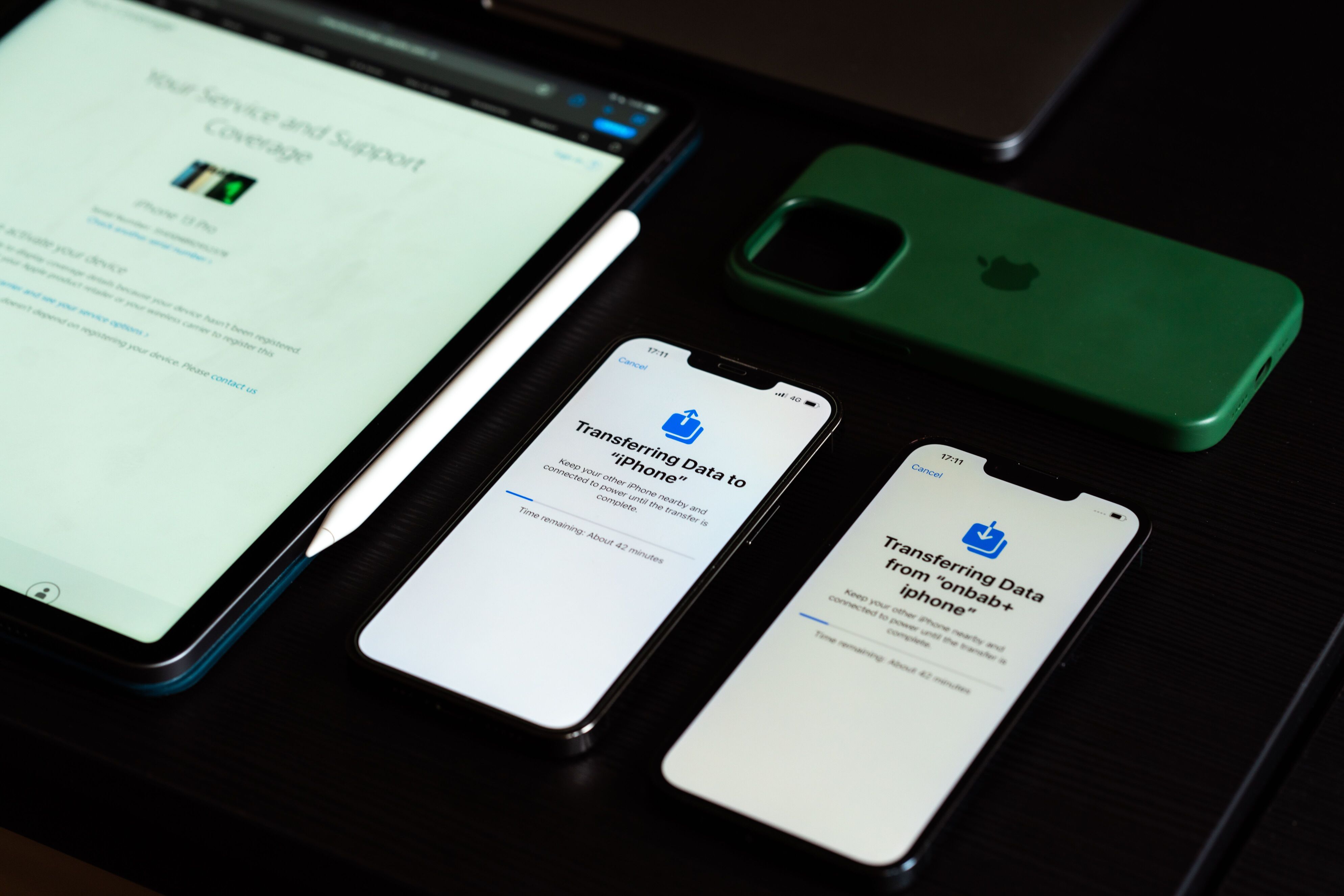
Apple’s management system is easy for managing mobile devices like iPhones, iPads, and Macs in enterprises. But even though it is configured correctly, there can be issues with the management system. These problems can include difficulties enrolling into the device, syncing policies, and others that might hinder user productivity.
In this article, we will look into popular Apple MDM error codes, reasons for them, and how to resolve them. This information will be useful both for business managers and school administrators when using Apple devices.
Error Codes and Messages
- Device Enrollment Failed
“Failed device enrollment” is one of the most widespread MDM errors.
Reasons for the issue:
- Invalid enrollment profile
- Network failure
- Device not assigned to MDM server
- Problems with synchronization on Apple Business Manager
Troubleshooting:
- Assign the device to the proper section on Apple Business Manager
- Check the enrollment profile
- Restart the device and enroll it again
- Make sure that there is a good internet connection
- APNs Certificate Expired
APNs certificate is necessary for MDM to work, as it allows sending commands to devices. If this certificate is expired, devices cannot receive commands anymore.
Troubleshooting:
- Update APNs certificate before its expiration
- Upload the new APNs certificate to the MDM server
- Check that all the devices reconnect correctly
- Device Is Not Receiving Policies
Sometimes devices get enrolled but cannot receive some security policies or applications from MDM.
Possible reasons:
- Connection problem
- Synchronization delays on MDM server
- Wrong policy assignment
Solution:
- Sync device manually
- Check that the policies are assigned to the device.
- Activation Lock Problems
Activation Lock is designed for Apple products but could pose challenges during device reassignments.
Solutions:
- Check ownership of the device.
- Use Apple Business Manager to deactivate the lock.
- Reassign the device based on your company’s asset management policies.
- Application Installation Failure
Applications might fail to install because of licensing and compatibility problems.
Solutions:
- Ensure that application licenses are available.
- Check whether the device is compatible.
- Update the operating system.
- Install the application again.
Apple MDM Problems for Companies
Companies frequently maintain fleets of Apple devices numbering from hundreds to thousands and spread across various divisions.
Common problems involve:
- Failing corporate device enrollments
- Failure to deploy applications
- Policy compliance problems
- Certification expiration
- Communication problems with the device
MDM Problems Related to Apple at Educational Institutions
Some problems that arise from the use of Apple School Manager by educational institutions are as follows:
- iPad sharing enrollment issues
- Profile synchronization problem for classroom
- Managed Apple ID issues
- Wi-Fi profile deployment failure
- Problems associated with device reassignment across terms