Understanding what Mobile Device Management (MDM) is has become increasingly important as businesses embrace remote and hybrid work. With employees accessing company data from smartphones, tablets, and laptops, organizations need a reliable way to keep devices secure without making IT’s job harder.
Instead of manually configuring every device, IT teams can remotely deploy settings, install business apps, enforce security policies, and monitor devices from a central dashboard.
In this guide, we’ll explain what Mobile Device Management is, why it matters, and how it helps businesses protect their devices and data.
What is Mobile Device Management (MDM)
Mobile Device Management (MDM), also known as Unified Endpoint Management (UEMs), is a type of security software that allows IT administrators to control, secure, and enforce policies on smartphones, tablets, and other endpoints used within an organization.
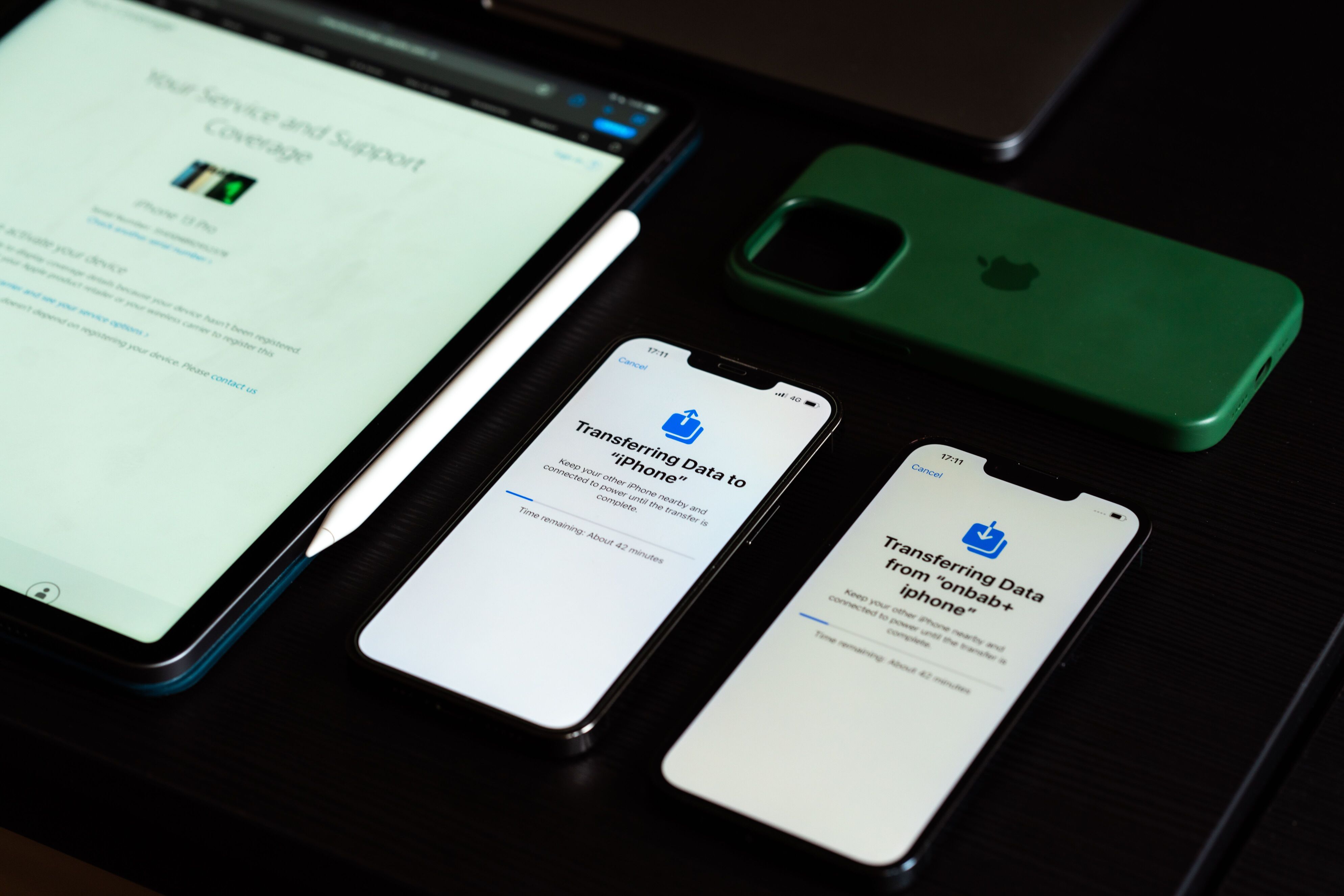
Once a device is enrolled, administrators can configure settings, deploy apps, enforce security policies, and keep devices updated without needing physical access. MDM can manage company-owned devices as well as employee-owned devices used for work under a Bring Your Own Device (BYOD) policy.
Modern MDM solutions commonly support smartphones, tablets, laptops, rugged devices, digital signage, kiosks, and other business endpoints. Many organizations now use UEM platforms that build on traditional MDM, supporting a wider range of devices from a single console.
Why Your Business Needs an MDM Solution Today
As businesses grow, managing devices manually becomes increasingly difficult. An MDM solution helps automate routine tasks while keeping devices secure and consistent across the organization. The National Institute of Standards and Technology (NIST) recommends centralized management and security controls to help organizations protect enterprise mobile devices and the data they access.
Here are some of the biggest reasons businesses invest in MDM:
- To Secure the Remote Workforce: MDM ensures that even if a device is halfway across the world, it adheres to strict corporate security standards.
- To Enable Safe BYOD: Employees want to use their personal phones for work. MDM creates a secure “container” or partition on the device, separating corporate data from personal data so the company can manage its own assets without invading the user’s personal photos or apps.
- To Maintain Regulatory Compliance: Industries like healthcare and finance face strict data protection regulations (like HIPAA or GDPR). MDM guarantees that data on mobile devices is encrypted and access is strictly controlled.
- To Streamline IT Operations: Instead of manually configuring devices one by one, IT can deploy apps, updates, and Wi-Fi configurations to thousands of devices simultaneously over the air.
MDM Advantages and Disadvantages: Is It Right for You?
Like any enterprise software, an MDM solution delivers distinct advantages but also introduces a few challenges you must prepare for.
Advantages of MDM
- Enhanced Security: Enforces strong passwords, encrypts data, and allows remote lock and respond quickly if a device is lost or stolen.
- Streamlined Efficiency: IT teams can automate device setup, software deployment, and updates instead of performing repetitive manual tasks.
- Cost Risk Reduction: Minimizes the need for manual, on-site IT support and heavily reduces the catastrophic financial risks associated with data breaches.
- Data Partitioning: Protects corporate data effectively across both company-owned hardware and personal (BYOD) devices without deleting the user’s personal files.
Downsides of MDM
- User Experience Friction: Aggressive security policies and constant background monitoring can sometimes drain battery life, hinder device performance, or frustrate users.
- Implementation Complexity: The initial setup, policy configuration, and platform deployment can be highly complex and time-consuming for your IT team.
- Ongoing Overhead: Most enterprise MDM platforms charge subscription fees based on users or devices.
- Privacy Pushback: Employees using personal devices may have concerns about what IT administrators can see. Clear BYOD policies help address these concerns.
How Different Sectors Leverage MDM Solutions
MDM is highly versatile. Here is how different industries utilize these platforms in the real world:
- Healthcare: Nurses and doctors use tablets to access electronic health records (EHR). MDM locks down these tablets (often using “Kiosk Mode”) so they run only specific medical apps, keeping patient data secure and HIPAA-compliant.
- Retail & Logistics: Warehouse workers and delivery drivers rely on ruggedized mobile devices and barcode scanners. MDM tracks these devices via GPS, pushes critical inventory app updates remotely, and ensures they are functioning properly in the field.
- Education: Schools deploying iPads or Chromebooks to students use MDM to restrict access to inappropriate websites, disable the camera during class hours, and push educational apps directly to the classroom.
- Corporate Enterprises: An employee loses their company smartphone in a taxi. The IT department uses the MDM portal to instantly lock the device and execute a remote wipe, destroying the corporate data before a malicious actor can access it.
What Types of Devices Can MDM Software Manage?
Modern MDM solutions have evolved into Unified Endpoint Management (UEM) platforms, meaning they can manage a vast array of hardware and operating systems from a single console. Devices that can be managed include:
- Smartphones: Apple iPhones (iOS) and a wide range of Android devices (Samsung, Google Pixel, etc.).
- Tablets: Apple iPads and Android-based tablets.
- Laptops & Desktops: Windows PCs, Apple MacBooks (macOS), and Google Chromebooks (ChromeOS).
- Purpose-Built & IoT Devices: Point-of-Sale (POS) systems, digital signage, ruggedized field scanners, and even some smartwatches or augmented reality headsets used in enterprise environments.
What Are the Best MDM Solutions for Businesses?
Selecting the right device management platform today requires looking beyond basic lock-and-wipe capabilities. The market has largely segmented into specialized tools rather than one-size-fits-all software.
- For Microsoft Ecosystems: Microsoft Intune is best for organizations already utilizing Azure and Microsoft 365 because it embeds deeply into the Windows architecture.
- For Apple-Exclusive Fleets: Jamf continues to dominate macOS and iOS management. By leveraging direct Apple APIs, it allows IT administrators to ship factory-sealed hardware straight to remote employees.
- For Android and Kiosk Environments: When deploying point-of-sale systems, rugged warehouse scanners, or field-service tablets, Hexnode and Scalefusion stand out.
- For Unified Lifecycle Management: Modern platforms like ZenAdmin and JumpCloud are ideal for growing companies. They automate the entire hardware lifecycle the moment a new hire is added to the HR system.
- For Privacy-First BYOD: For teams relying heavily on personal devices, tools like Venn are the right fit. They take full administrative control over an employee’s personal device and draw a strict, encrypted digital boundary around work applications.
The Bottom Line: Why MDM is Non-Negotiable
As the modern workplace expands beyond the traditional office, keeping company data secure has become more challenging than ever. Mobile Device Management (MDM) gives businesses a practical way to balance employee productivity with strong security across their devices.
With MDM, IT teams can centrally manage devices and other business endpoints. This makes remote work and BYOD programs much easier to support. However, implementing an MDM solution takes a lot of thoughtful planning. It will involve security policies, privacy, and deployment, but the long-term benefits far outweigh the initial effort.
Ultimately, MDM isn’t just another IT tool. The system is now an essential part of protecting company data while supporting the way people work today.