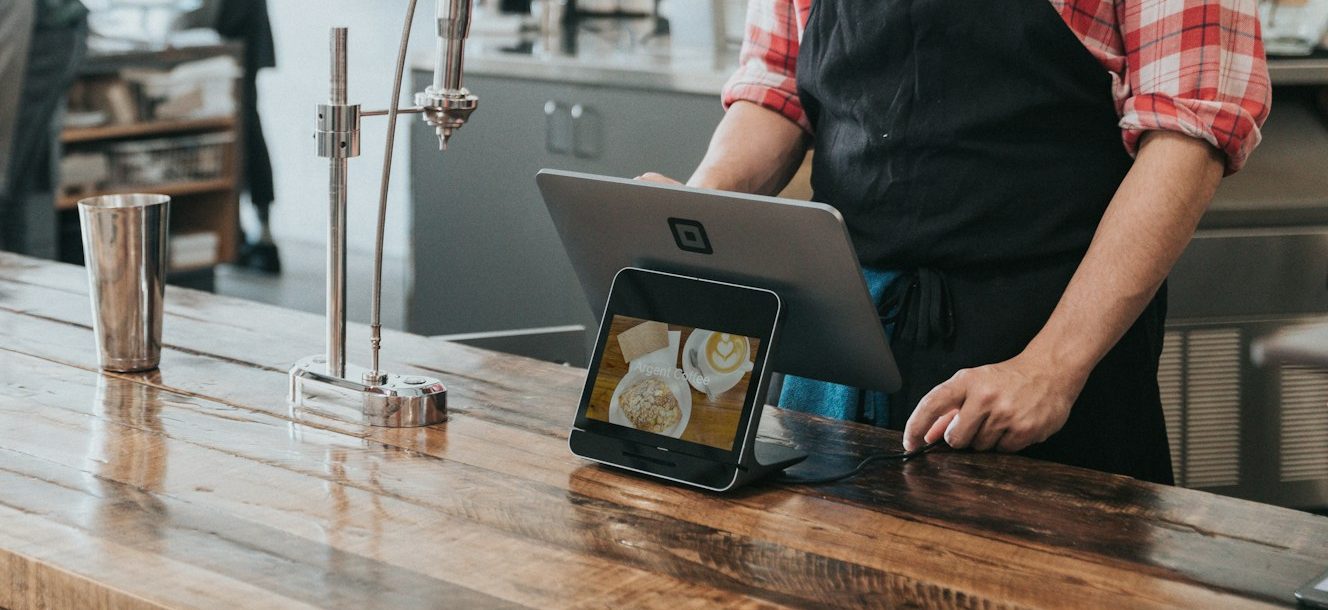
Walk into almost any modern restaurant, and you’ll probably see a tablet somewhere. It might be taking customer orders, displaying a digital menu, running the point-of-sale (POS) system, or helping kitchen staff keep track of incoming orders.
The problem is that tablets are designed to do much more than those single tasks. Without restrictions, customers can accidentally exit the ordering app, employees might open unrelated applications, or someone could change important device settings. That’s where kiosk mode comes in.
In this guide, we’ll explain what kiosk mode is, how restaurants use it, and why it’s become an important tool for improving both customer experience and day-to-day operations.
What Is Kiosk Mode?
Kiosk mode is a feature that turns a standard tablet into a dedicated business device. Instead of giving users access to everything on the tablet, it limits them to one app or a small group of approved apps needed for a specific task.
In a restaurant, that could mean locking a tablet to a self-ordering app, a digital menu, a POS system, or a kitchen display. Customers and employees can complete their tasks without accidentally changing settings or opening unrelated applications.
Many businesses configure kiosk mode through a Mobile Device Management (MDM) solution, allowing administrators to manage multiple tablets remotely from a centralized dashboard.
How Does Kiosk Mode Work?
Kiosk mode applies restrictions that control how users interact with a device. Depending on the platform and management solution, administrators can choose between locking the tablet to a single application or allowing access to a small group of approved apps.
Once kiosk mode is enabled, the tablet behaves very differently from a personal device. Instead of acting like a regular Android tablet or iPad, it becomes purpose-built for the job it’s meant to perform:
- Lock the tablet to a specific app.
- Disable access to system settings.
- Prevent app downloads and unauthorized software changes.
- Hide notifications and unnecessary system functions.
- Push application updates remotely.
- Monitor device status across multiple restaurant locations.
Because these settings can often be managed remotely, businesses don’t have to manually configure every tablet whenever menus, applications, or policies change.
Why Restaurants Use Kiosk Mode
Restaurant tablets are often shared by dozens, or even hundreds, of people each day. Without restrictions, customers may accidentally close ordering apps, employees may access non-work-related applications, and important device settings can be changed unintentionally. This helps eliminate problems while improving day-to-day operations.
Faster Self-Service Ordering
Self-service kiosks have become common in quick-service restaurants because they help reduce wait times and improve order accuracy. Kiosk mode keeps customers inside the ordering app from start to finish, creating a smoother checkout experience.
Better Employee Productivity
Restaurant staff already have enough to think about during a busy shift. By limiting tablets to work-related applications, employees can quickly access the tools they need without unnecessary distractions.
Improved Device Security
Tablets often contain access to payment systems, customer information, or business applications. Restricting what users can access helps reduce the risk of accidental changes and unauthorized activity.
Consistent Customer Experience
Every customer interacts with the same interface, creating a predictable and intuitive ordering experience. This consistency can reduce confusion, shorten ordering times, and improve overall customer satisfaction.
Easier Multi-Location Management
Restaurant groups with multiple branches can remotely deploy updates, menu changes, and application settings across every kiosk tablet without sending IT staff to each location.
Benefits of Kiosk Mode in Restaurant Tablets
Kiosk mode offers several operational advantages beyond simply locking down a device.
Enhanced Security
Customers and employees can only access approved applications, reducing the risk of unauthorized changes and protecting sensitive business information.
Reduced User Errors
Accidentally closing an ordering app or changing system settings can interrupt restaurant operations. Kiosk mode prevents these common mistakes by limiting user access.
Lower IT Maintenance
Instead of troubleshooting individual tablets, administrators can remotely monitor devices, deploy updates, and resolve many issues without being physically present.
Improved Operational Efficiency
Dedicated tablets help employees complete tasks more quickly by removing unnecessary distractions and streamlining workflows.
Scalable Device Management
Whether managing five tablets in a neighborhood café or hundreds across a restaurant chain, kiosk mode makes it easier to maintain consistent device configurations.
Common Restaurant Uses for Kiosk Mode
Restaurants use kiosk mode in a variety of ways depending on their operations.
Self-Service Ordering
Customers place their own orders using a tablet that’s locked to the restaurant’s ordering system, helping reduce lines while minimizing ordering errors.
Digital Menus
Restaurants display interactive menus without allowing customers to leave the application or access other device functions.
Point-of-Sale (POS) Systems
Cashiers use tablets locked to POS software, helping prevent unauthorized app usage during business hours.
Kitchen Display Systems (KDS)
Kitchen staff receive incoming orders on dedicated tablets that display only the order management system, allowing them to stay focused during busy service periods.
Employee Time Clocks
Restaurants use kiosk tablets for employee clock-ins and clock-outs while restricting access to unrelated applications.
Best Practices for Using Kiosk Mode
Simply enabling kiosk mode isn’t enough. Following a few best practices can help restaurants keep their tablets secure, reliable, and easy to manage over time:
Use a Mobile Device Management (MDM) solution to remotely manage devices, deploy updates, and monitor tablet health across locations.
Restrict tablets to only the applications employees or customers actually need. The fewer unnecessary functions available, the lower the risk of misuse.
Keep operating systems and business applications updated to maintain security and improve performance.
Protect administrator settings with strong passwords or multifactor authentication so only authorized personnel can modify device configurations.
Regularly review kiosk settings and application performance to ensure devices continue supporting daily restaurant operations effectively.
Streamline Your Day-to-Day with Kiosk Mode
Tablets have become an important part of modern restaurant operations, but they work best when they’re dedicated to a specific purpose. Kiosk mode helps transform ordinary tablets into reliable business tools through centralized device management, limiting access to only the apps and functions employees or customers actually need.
Whether you’re running self-service ordering stations, digital menus, kitchen display systems, or tablet-based POS terminals, kiosk mode can improve security, reduce user errors, and simplify day-to-day management. For restaurants looking to streamline operations without adding unnecessary complexity, it’s a practical solution that’s well worth considering.