Contemporary mobile phones have been regarded as an important tool for the productivity of employees at work. The company’s emails, business documents, cloud applications, and other confidential information can be accessed through smartphones, tablets, and laptops. Even though the improved mobility enhances productivity, there is more security risk involved.
Here comes the importance of the Mobile Device Management security checklist, which is the best tool to ensure the protection of sensitive data.
In the article below, we explain what the MDM checklist includes and how it helps to secure your mobile devices. Also, learn mobile security best practices for specific devices and platforms.
Importance for Businesses
MDM security checklist allows you to define security requirements for all managed devices in a systematic way. The MDM security checklist reduces security gaps and protects sensitive information on managed devices.
Benefits that companies can get from the MDM security checklist:
- Protection of sensitive company data
- Prevention of cyber attacks
- Meeting regulatory requirements
- Simplifying device management
- Implementing the same security policies on each device
- Remote device security improvements
This way, managing hundreds of devices becomes easy as you need just to implement your checklist policy once.
MDM Security Checklist for Remote Working Environment
Remote working environment poses certain security risks because devices tend to be connected via networks of home or public locations.
Remote security checklist includes the following items:
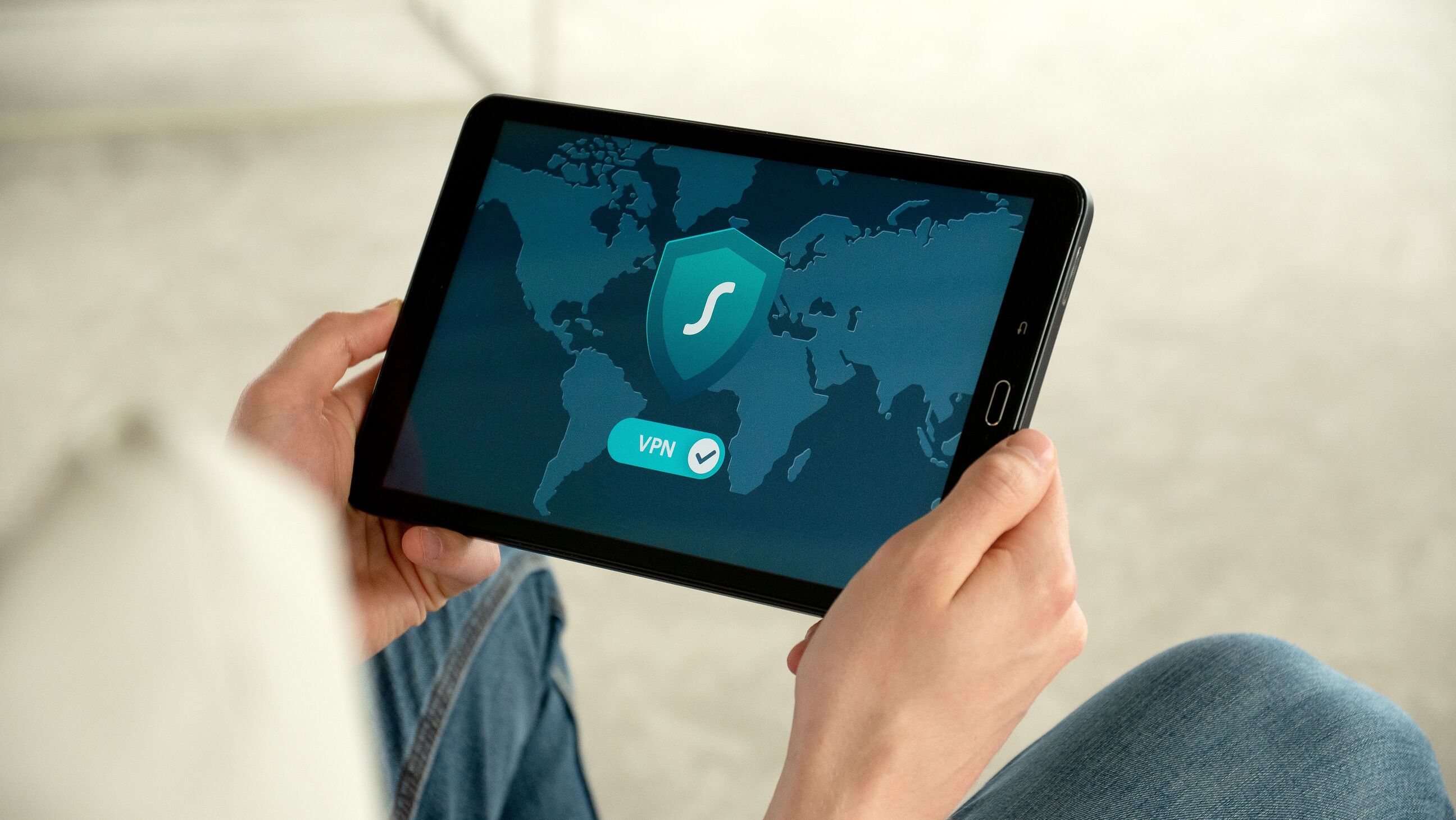
- Always use a mandatory VPN access
- Enable MFA
- Encrypt connections
- Prevent public Wi-Fi usage
- Enable remote lock and erase capabilities
- Continuous compliance monitoring
- Separate business and personal data
- Protect cloud application access
- Backup configurations automatically
- Perform operating system updates regularly
In this regard, the company can keep its security level even while employees work remotely.
MDM Security Checklist for iOS Devices
iOS devices have great intrinsic security features that need to be applied via MDM.
The recommended list is the following:
- Enable FileVault or native device encryption if necessary
- Require either Face ID or Touch ID
- Configure policies for passcodes
- Supervise corporate-owned devices
- Prevent usage of AirDrop if required
- Prohibit installation of unauthorized apps
- Enable management of Activation Lock
- Configure managed Apple IDs if required
- Set up Wi-Fi and VPN profiles
- Perform iOS updatesMDM Security Checklist for Android Devices
Since Android environments usually consist of many vendors and models of devices, maintaining proper policy consistency becomes crucial.
The security checklist is as follows:
- Enable management of Android Enterprise
- Require device encryption
- Force users to set strong passwords
- Prevent unknown app sources downloading
- Configure Google Play policies
- Enable work profiles for BYOD
- Prevent USB debugging
- Perform Android updates
- Configure VPN profiles
- Monitor root devices
Similarly, monitoring compliance allows keeping Android devices up-to-date.
Common Mistakes to Avoid
Even experienced IT departments may overlook important security practices.
Here are some mistakes to avoid when configuring MDM:
- Weak password policies
- Delayed updates of software
- Administrative rights excesses
- Ignoring compliance alerts
- Failure to test security policies
- Use of outdated devices
- Absence of employee training
- Absence of an incident response plan