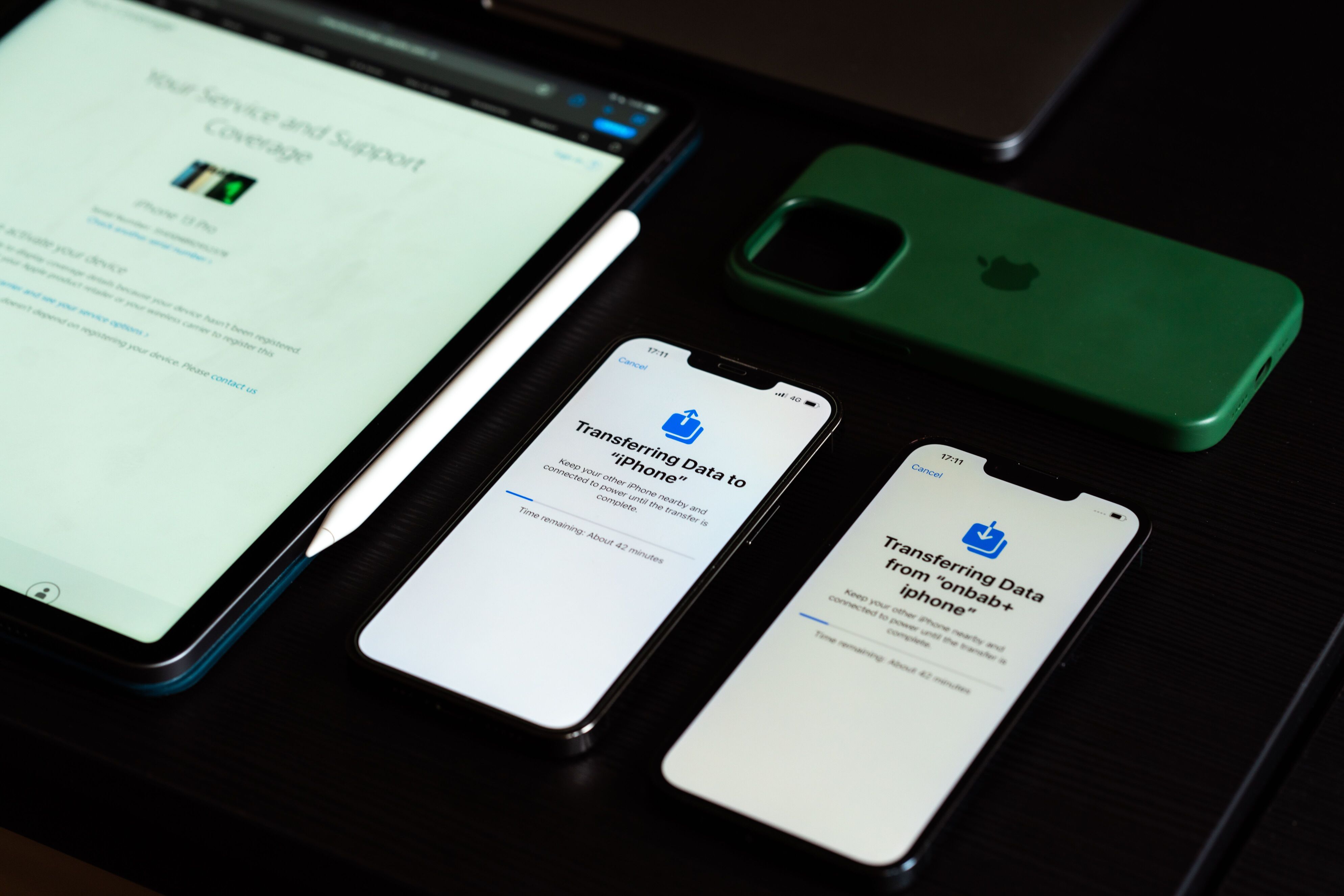
It’s easy to see why businesses choose Apple devices. They’re reliable, secure, and familiar to many employees. But as your company grows, so does the challenge of managing every iPhone, iPad, and Mac computer. Setting up devices one at a time, keeping software up to date, and making sure everyone follows the same security policies quickly becomes a time-consuming task.
That’s where Apple Mobile Device Management (Apple MDM) comes in. Whether you’re deploying company-owned devices or supporting a Bring Your Own Device (BYOD) program, IT teams have a central way to configure, secure, and manage Apple devices without needing physical access to each one.
In this guide, we’ll explain what Apple MDM is, how it works, and why so many organizations rely on it to manage their device fleets.
What Is Apple MDM?
Apple MDM isn’t a standalone application you install on every device. Instead, it’s a management framework that’s built into Apple’s operating systems. Compatible MDM platforms use this framework to communicate securely with enrolled devices, allowing IT administrators to manage them remotely.
Once a device is enrolled, administrators can configure settings, deploy apps, enforce security policies, and monitor compliance from a single dashboard rather than handling each device individually.
Apple’s MDM framework works across most of the company’s business-ready devices, including:
- iPhone
- iPad
- Mac
- Apple TV
- Apple Vision Pro
Most organizations pair Apple MDM with Apple Business Manager, which automates device enrollment and simplifies large-scale deployments.
How Does Apple MDM Work?
Apple MDM works by allowing an MDM server to securely communicate with enrolled Apple devices through Apple’s management framework.
Once enrolled, IT administrators can remotely:
- Configure Wi-Fi, VPN, and email accounts
- Install or remove business applications
- Push operating system updates
- Enforce password and encryption policies
- Restrict device features such as AirDrop or the camera
- Lock or erase lost or stolen devices
- Monitor device compliance and inventory
For company-owned devices, Apple Business Manager enables Automated Device Enrollment (ADE). This system allows new devices to configure themselves during their initial setup. Employees just sign in, and the device automatically receives company apps, security settings, and policies without requiring IT intervention.
Why Businesses Choose Apple MDM
Apple devices are known for their built-in security, but organizations still need centralized control to protect sensitive business data.
Simplified Device Deployment
Rolling out new Apple devices doesn’t have to be a manual process. With Automated Device Enrollment, organizations can ship devices directly to employees, who simply turn them on and let the setup process handle the rest.
Stronger Security
Security is one of the biggest reasons organizations invest in Apple MDM. Administrators can enforce passcodes, require encryption, restrict certain device features, and remotely lock or erase devices if they’re lost or stolen.
Easier App Management
IT teams can remotely install, update, and remove applications without requiring employees to visit the office. It helps everyone stay productive while reducing support requests.
Better Compliance
For businesses operating in regulated industries, consistency matters. Apple MDM makes it easier to apply the same security policies across every managed device and quickly identify devices that fall out of compliance.
Reduced IT Workload
Routine management tasks such as provisioning devices, deploying updates, and troubleshooting settings can all be performed remotely. Doing so allows IT staff to focus on higher-value projects.
Apple MDM vs. Apple Business Manager
Many people confuse Apple MDM with Apple Business Manager (ABM), but they serve different purposes.
Apple MDM is the management system that allows IT administrators to configure and secure Apple devices remotely.
Apple Business Manager is Apple’s deployment portal. It helps organizations purchase devices, create Managed Apple Accounts, assign apps, and automate enrollment into an MDM platform.
Think of Apple Business Manager as the onboarding system, while Apple MDM is the day-to-day management solution. Efficient organizations use both together.
Apple MDM Advantages and Limitations
Like any enterprise technology, it offers significant benefits while presenting a few considerations.
What Are the Advantages of Apple MDM?
Centralized Management
Manage iPhones, iPads, Macs, Apple TVs, and Apple Vision Pro devices from a single console.
Improved Security
Enforce company security policies, remotely wipe devices, and protect sensitive corporate information.
Deploy new devices with minimal IT involvement using Automated Device Enrollment.
Seamless Apple Integration
Because the framework is built directly into its operating systems, device management is reliable and consistent across the Apple ecosystem.
Scalable Operations
Whether managing ten devices or ten thousand, administrators can deploy apps, updates, and policies simultaneously.
Limitations
Requires an MDM Platform
Apple provides the management framework, but organizations still need a compatible MDM solution. Options include Jamf, Microsoft Intune, Kandji, Mosyle, or Hexnode.
Learning Curve
Designing effective security policies and deployment workflows requires planning, particularly for larger organizations.
Licensing Costs
Most enterprise MDM platforms charge subscription fees based on users or devices.
Common Use Cases
Apple MDM supports organizations across many industries.
Healthcare
Hospitals configure shared iPads for clinicians while protecting patient information through security policies and remote management.
Education
Schools deploy hundreds of student iPads with educational apps, classroom restrictions, and automatic updates.
Retail
Stores manage iPads used as point-of-sale systems while ensuring devices remain locked to approved applications.
Corporate Businesses
Companies issue Macs and iPhones to remote employees, automatically configuring devices with company software and security settings before employees even open the box.
Choosing The Right Solution
Apple’s built-in management framework works with a variety of third-party MDM platforms. The best choice depends on your existing IT environment, the number of devices you manage, and whether your organization uses only Apple hardware or a mix of operating systems.
Jamf Pro
Often considered the gold standard for Apple-only environments, offering deep integration with macOS, iOS, iPadOS, and Apple’s latest management features.
Microsoft Intune
An excellent choice for organizations already using Microsoft 365, Azure, and Windows alongside Apple devices.
Mosyle
A cost-effective solution designed specifically for Apple device management. It is popular among schools and small to medium-sized businesses.
Kandji
Focuses on Apple endpoint security and automated compliance, helping organizations reduce manual administrative work.
Hexnode
Supports Apple alongside Android, Windows, and other operating systems, making it a strong option for businesses managing mixed-device environments.
The Bottom Line: Is Apple MDM Worth It?
Apple devices are already known for their strong security and user-friendly experience, but managing them at scale requires the right tools. Apple MDM gives organizations a practical way to deploy devices faster, keep them secure, and reduce the day-to-day workload on IT teams.
Whether you’re managing a small fleet of company iPhones or thousands of Apple devices across multiple locations, combining Apple MDM with Apple Business Manager can simplify device management from day one while helping your organization stay secure as it grows.